
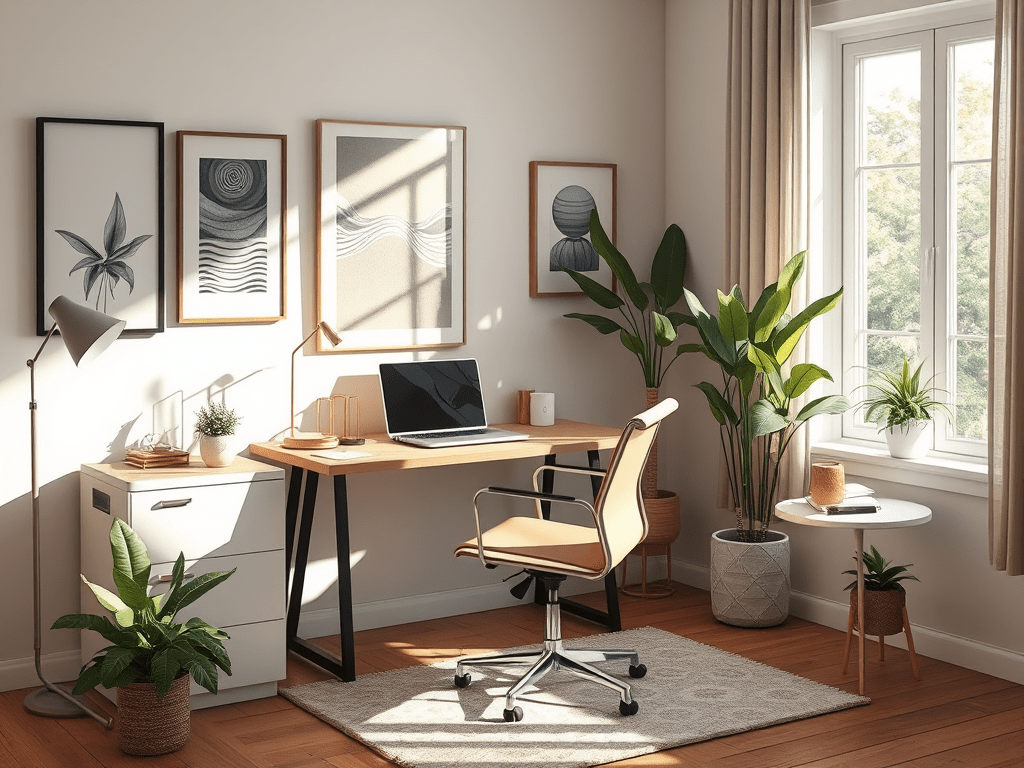
Working from home has become increasingly common, and while it offers flexibility, it can also lead to challenges such as distractions and stress. To promote a calmer work-from-home environment, utilizing the services of a Virtual Assistant (VA) can be incredibly beneficial. Here are some tips to help you create a peaceful workspace that enhances productivity and reduces stress.
1. Set Clear Boundaries
Establish defined work hours and communicate them with your family or housemates. A VA can assist you in managing your schedule, ensuring that work hours are respected while preventing interruptions. Use tools like shared calendars to keep everyone informed.
2. Organize Your Workspace
A cluttered workspace can lead to a cluttered mind. Work with your VA to declutter your office space, removing unnecessary items and organizing essential tools. Your VA can help set up filing systems, digital organization, and even purchase office supplies to create a streamlined environment.
3. Create a Calming Aesthetic
Personalize your workspace with calming colors, plants, or artwork that inspire tranquility. A VA can help source decor that contributes to a peaceful atmosphere, balancing productivity with comfort. Consider adding elements like essential oil diffusers or soft lighting fixtures.
4. Implement a Daily Routine
Structure can help reduce anxiety. Collaborate with your VA to establish a daily routine that includes breaks and time for mindfulness. This might involve scheduling regular check-ins, short breaks for stretching, or dedicated time for meditation.
5. Limit Distractions
Identify and minimize distractions in your home office. Share your typical distractions with your VA so they can help create solutions, whether it’s organizing your inbox, managing notifications, or setting up time blocks for focused work.
6. Utilize Technology Wisely
Harness apps and tools designed to enhance productivity while reducing stress. Your VA can recommend or set up tools for project management, communication, and time tracking that streamline your tasks and minimize overwhelm.
7. Foster Connection
Loneliness can be a downside of remote work. Use your VA to coordinate regular virtual meetings or coffee breaks with colleagues. Staying connected can help maintain a sense of community and support.
8. Prioritize Self-Care
Incorporate self-care into your daily routine by scheduling breaks for exercise, meditation, or hobbies. Your VA can help you allocate time for these activities and remind you to take breaks. Consider using a wellness app to track your habits.
9. Seek Feedback and Adjust
Finally, regularly evaluate your work-from-home setup and solicit feedback from your VA about what is or isn’t working. Adjust your strategies as necessary to continuously improve your home environment. This collaborative effort can lead to the discovery of new methods to enhance calm and productivity.

By following these tips and leveraging the support of a Virtual Assistant, you can cultivate a calmer, more efficient work-from-home environment. Embrace flexibility while creating a structured, peaceful space that promotes both focus and well-being.
 Every Entrepreneur’s Vital Asset Online
Leave a comment